
 English
 Deutsch (German)

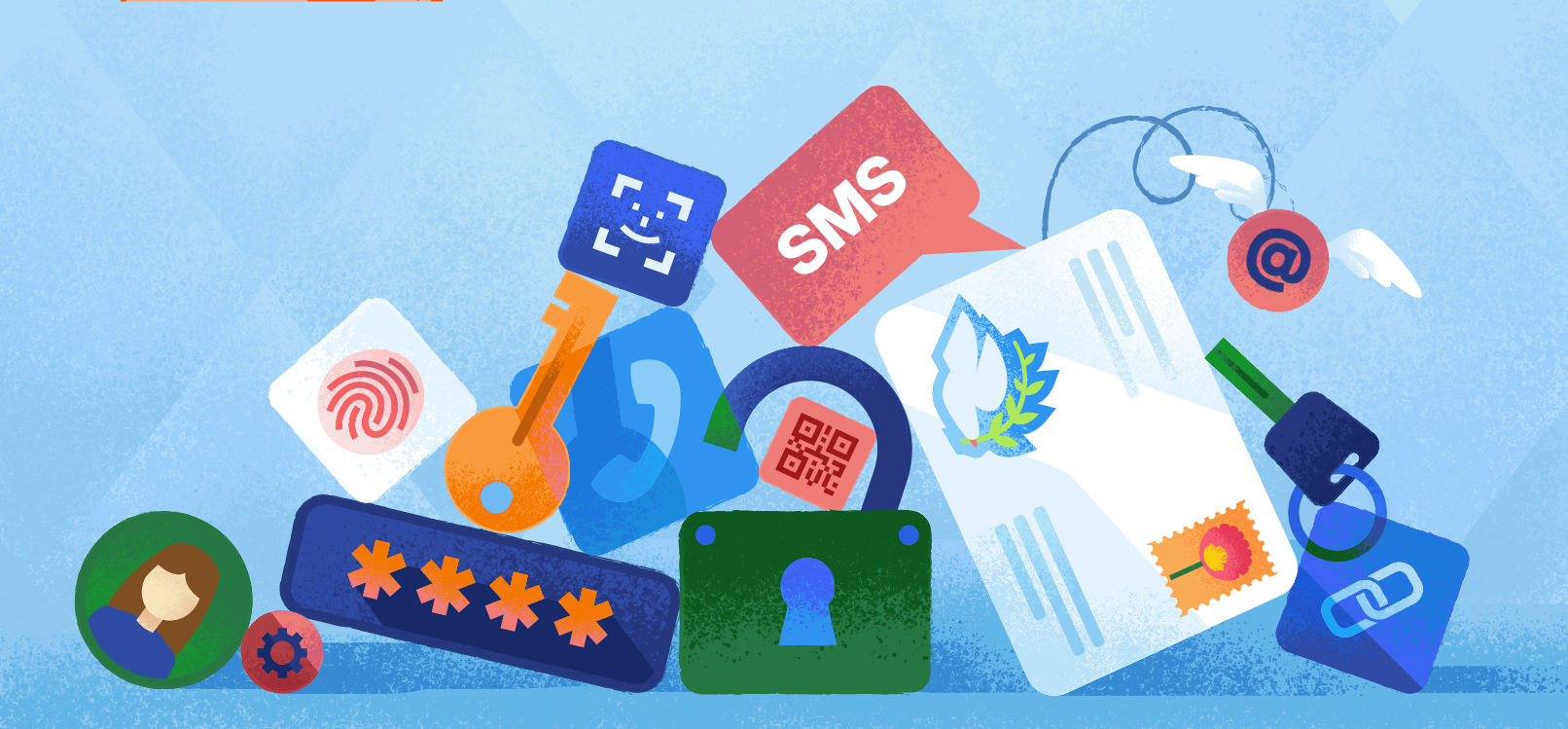
The traditional model of passwords and shared secrets has given way to a complex ecosystem of cryptographic protocols, hardware-backed credentials, and identity delegation mechanisms. Modern customer identity and access management (CIAM) architectures must balance three critical factors: phishing resistance, primary attack surface, and UX friction.
Selecting the appropriate login method establishes the scurity posture of your platform and the resilience of your users against increasingly sophisticated attacks from SMS-based OTPs and magic links to WebAuthn biometrics and FIDO2 passkeys, each method has its own advantages and vulnerabilities. It is essential for architects and security teams aiming to protect sensitive user data while maintaining a seamless user journey to understand these trade-offs.
This article provides a technical breakdown of the most prevalent CIAM authentication methods, highlighting their strengths, weaknesses, and ideal use cases to help organizations make informed identity strategy decisions.
Mapping modern CIAM authentication: security, vulnerabilities & UX trade-offs
The identity and access management has shifted from simple secret-matching to complex cryptographic handshakes. Selecting an authentication strategy requires an in-depth understanding of the trade-offs between entropy, phishing resistance, and transport layer security.
|
Method |
Phishing Resistance |
Primary Vulnerability |
UX Friction |
|
Passwords |
Zero |
Credential Stuffing / Brute Force |
High |
|
SMS/Email OTP |
Low |
SIM Swapping / Interception |
Medium |
|
nOTP (WhatsApp/Telegram) |
Low/Medium |
Account Takeover / App Access |
Medium |
|
Social Logins (OIDC) |
Medium |
IdP Account Compromise |
Low |
|
Google One Tap |
Medium |
Session Hijacking / IdP Risk |
Very Low |
|
Magic Link |
Medium |
Email/Inbox Compromise |
Low |
|
TOTP (Authenticator App) |
Medium |
Real-time Proxy Phishing |
Medium |
|
SSO / SAML |
High (Enterprise) |
IdP Single Point of Failure |
Low |
|
Biometrics (WebAuthn) |
High |
Local Device Physical Access |
Very Low |
|
Passkeys (FIDO2) |
High (Origin-bound) |
Device Loss (if not synced) |
Very Low |
The pros and cons of popular login methods for CIAM
Passwords - the legacy weak link in current authentication practices
Traditional password-based authentication relies on a shared secret model, wherein both the user and the server "know" a string. Secure implementations use computationally intensive algorithms like Argon2id or bcrypt to store salted hashes and defend against offline brute-force attacks. While both algorithms are considered secure, Argon2id is the preferred choice as of 2026 because it is memory-hard and more resistant to GPU and ASIC-accelerated attacks.
Despite these protections, passwords remain the weakest link in modern CIAM systems due to human behavior. Passwords are highly susceptible to credential stuffing, password spraying, and sophisticated phishing schemes. High-entropy passwords cannot fully mitigate the risks of database breaches or the cognitive burden on users to remember complex credentials, rendering this approach increasingly obsolete.
Pros:
-
Universally understood by users
-
Requires no special hardware or third-party accounts
-
Compatible with legacy systems
Cons:
-
Vulnerable to credential stuffing, brute-force attacks, and phishing
-
Users often reuse or choose weak passwords
-
Memory reliance increases friction and security risk
Social logins - delegating identity to trusted providers
Social authentication uses the OpenID Connect (OIDC) protocol build on top of OAuth 2.0 to verify a user's identity via a trusted third-party identity provider (IdP), such as Google, GitHub or Apple. Rather than managing credentials directly, your application receives a JSON Web Token (JWT), specifically an ID token, that confirms the user’s identity.
Pros:
-
Offloads the responsibility of credential storage and multi-factor authentication (MFA) to providers with extensive security infrastructure
-
Simplifies login flows and reduces user friction
Cons:
-
Creates a “shared fate” risk - if the IdP account is compromised, all connected applications become vulnerable
-
Reliance on third-party providers may introduce privacy or availability concerns
Google One Tap - frictionless login with delegated security
Google One Tap enhances the OIDC flow by displaying a lightweight iframe prompt directly on the landing page, thereby minimizing UX friction. When a user has an active Google session in their browser, One Tap performs an automated "silent" sign-in and delivers a signed JWT to the client application without requiring manual input.
This approach significantly improves conversion rates by eliminating the need for a dedicated login page and offering a seamless, one-tap authentication experience. However, One Tap's security is entirely dependent on the underlying Google account and the browser's cross-origin security mechanisms.
Pros:
-
Provides a smooth, one-tap login experience
-
Increases user conversion by reducing login friction
-
Eliminates the need for a separate login form
Cons:
-
Security is equivalent to the user’s Google account protection
-
Relies heavily on browser security and cross-origin policies
-
Shared fate risk: compromise of the Google account affects all linked services
OTP - a second layer of security with known limitations
One-time passwords (OTPs) are short-lived numeric codes, typically six digits long, delivered via an out-of-band channel, such as SMS or email or app-generated. OTPs add an extra layer of authentication by moving away from static passwords.
However, OTPs are vulnerable to interception during transmission. SMS-based OTPs are particularly susceptible to SIM swapping and GSM-level attacks. Email OTPs, on the other hand, rely on the security of the mail server’s TLS configuration and the user’s inbox protection. Consequently, OTPs are generally classified as a "low-assurance" factor in modern security frameworks.
Pros:
-
Adds an additional security layer beyond passwords
-
Compatible with almost any mobile device or email client
-
Easy to implement and widely understood by users
Cons:
-
Vulnerable to SIM swapping, interception, and email compromise
-
Provides only moderate security assurance
-
Does not fully mitigate phishing or account takeover risks
nOTP - encrypted OTPs via messaging apps
Native OTP (nOTP) improves on traditional SMS-based OTP by delivering one-time codes through end-to-end encrypted messaging platforms such as WhatsApp or Telegram. By leveraging secure channels, nOTP reduces the risk of interception or man-in-the-middle attacks that commonly affect SMS or email.
While this approach enhances both security and reliability, it requires users to have the specific messaging app installed and verified on their device. This dependency can introduce friction, particularly for users unfamiliar with these platforms.
Pros:
-
Higher security than SMS or email due to end-to-end encryption
-
Improved delivery reliability and reduced risk of telecom interception
Cons:
-
Requires a supported messaging app installed and configured
-
Adds setup friction for users who don’t use these platforms
Magic Link - passwordless login via email tokens
A Magic Link contains a shord-lived, signed token (JWT or HMAC) embedded in a URL that is sent to the user via email. When the user clicks on the link, the application validates the token and establishes a session, providing a seamless, passwordless login experience.
Although Magic Links offer an excellent user experience, their security relies heavily on the token's time-to-live (TTL) and the security of the transport channel (SMTP). If a token is not invalidated immediately after use or emails are cached in insecure proxies, the risk of session hijacking increases. Therefore, Magic Links are considered a high-UX, medium-security solution.
Pros:
-
Eliminates the need for users to remember or type passwords
-
Simple and quick to implement with just email integration
-
Works across multiple devices without additional apps
-
Provides a frictionless, modern login experience
Cons:
-
Security is entirely dependent on the user’s email account
-
Tokens can be intercepted if the email transport is insecure
-
TTL mismanagement or cached emails can increase session hijacking risk
TOTP - time-based one-time passwords for stronger local authentication
TOTP uses a shared secret and the current timestamp to generate a code on the user's device via an app, such as Google Authenticator. Unlike SMS OTP, this code never travels over the network, rendering it immune to SIM swapping.
Pros:
-
Strong security without relying on network delivery
-
Minimal implementation and maintenance costs
-
Works offline once the shared secret is established
Cons:
-
Vulnerable to real-time phishing attacks
-
Requires secure initial seed (QR code) exchange
-
Adds moderate UX friction compared to passwordless solutions
SSO - Centralized authentication for enterprise efficiency
Single sign-on enables centralized authentication across multiple independent software systems, typically using SAML 2.0 (XML-based) or OIDC (JSON-based) protocols. In enterprise environments, SSO simplifies identity lifecycle management. When an employee is removed from a central directory, such as Azure AD or Okta, access to all connected applications is immediately revoked.
SSO greatly enhances security and operational efficiency, reducing password fatigue and improving compliance. However, SSO also introduces a single point of failure. If the central identity provider (IdP) is compromised, attackers can access all linked systems. Therefore, robust IdP security is critical.
Pros:
-
Simplifies user management, onboarding, and offboarding
-
Reduces password fatigue across multiple applications
-
Improves compliance and auditability in enterprise environments
Cons:
-
Creates a single point of failure if the IdP is compromised
-
Shared risk across all connected applications
-
Requires careful configuration and monitoring of the central IdP
Biometrics / WebAuthn - secure, device-bound authentication
Biometric authentication via the WebAuthn API allows users to authenticate with local hardware, such as Face ID or Touch ID. Importantly, the biometric data never leaves the device's Secure Enclave or Trusted Platform Module (TPM). The server issues a challenge, the device signs it with its private key, and then returns the assertion. This provides a significant security upgrade over traditional biometrics because there is no "biometric database" for hackers to steal. The only limitation is hardware compatibility with older devices.
Pros:
-
High security with strong protection against database leaks
-
Convenient and fast for users
-
Biometric data never leaves the device, preserving privacy
Cons:
-
Limited by device and hardware compatibility
-
Cannot be reset if the biometric template is compromised
-
Advanced AI attacks may potentially bypass some biometric systems
Passkeys - the gold standard in phishing-resistant authentication
They replace passwords with asymmetric cryptography based on the FIDO2/WebAuthn standards. A private key is stored on the user's device and a public key is stored on the server. Passkeys are inherently phishing-resistant because the browser binds the authentication request to a specific domain. Even if a user is tricked into visiting a fake site, the browser will refuse to sign the challenge because the domain will not match.
Pros:
-
Strongest security posture available; virtually eliminates phishing risks
-
Seamless user experience without entering passwords
-
Supports multi-device login for flexibility and convenience
Cons:
-
Requires modern OS and browser support
-
Users need education on syncing keys across ecosystems (e.g., iCloud Keychain vs. Google Password Manager)
-
Recovery can be complicated if a device is lost or inaccessible
Choosing the right authentication strategy for your CIAM
In a CIAM system, selecting the optimal authentication method requires balancing security, user experience, and operational practicality. While legacy approaches like passwords are familiar, they are also vulnerable. Modern methods, like Passkeys and WebAuthn biometrics, offer phishing-resistant, device-bound security with minimal user friction. Enterprise solutions like single sign-on (SSO) simplify identity management at scale, but they require robust central identity provider (IdP) protection. Delegated options like social logins or Google One Tap enhance convenience at the cost of shared risk.
Ultimately, there is no one-size-fits-all solution. The best approach is often a layered strategy that combines strong, phishing-resistant authentication factors for high-risk actions while offering frictionless login options for low-risk interactions. By carefully evaluating your users, devices, and threat landscape, you can design a CIAM experience that maximizes security and adoption.
Review your current authentication processes and consider upgrading vulnerable methods. Introduce phishing-resistant solutions, such as Passkeys or WebAuthn, and implement multi-factor authentication strategies that align with your organization’s risk profile. A thoughtful authentication strategy gives you a competitive advantage and builds trust with your users.
FAQ
What is the most secure login method for customer-facing applications?
Why are passkeys gaining popularity in CIAM?
Passkeys eliminate many of the weaknesses associated with traditional passwords by using cryptographic authentication instead of shared secrets. They offer a seamless login experience while significantly reducing the risk of phishing, credential theft, and password reuse. However, organizations should still consider factors such as device compatibility, user adoption, and recovery processes before making passkeys their primary authentication method.
Are social logins secure enough for modern applications?
Social login can improve user convenience and reduce registration friction, but it also introduces dependencies on third-party identity providers. Organizations should carefully evaluate the security practices, privacy implications, and availability of those providers before relying on them. In many cases, social login works best as one authentication option within a broader CIAM strategy rather than as the only method.
How should organizations choose the right CIAM login method?
The decision should be based on a combination of security requirements, user expectations, regulatory obligations, and technical constraints. Rather than selecting the newest authentication technology, organizations should assess the threats they face, the needs of their users, and the resources available to implement and maintain the solution. A thoughtful, risk-based evaluation is more valuable than adopting a single login method for every use case.